SAG Wiki · Product demo
01
Fast local search
Add a folder to find content, preview source text and highlight matches. Quick search needs no API key.

FOR PEOPLE & AGENTS
Add a folder to search documents, notes and code. Ask across files and check every source. Built for people and agents.
macOS installer · v0.1.7
Model calls for local indexing
Retrieval across source documents
Installer size excludes optional document converters and recognition models downloaded on demand.
01 / CAPABILITIES
Keep your files organized as they are. The knowledge base indexes them for reading, cited answers and agent access.
Add a folder to find content, preview source text and highlight matches. Quick search needs no API key.
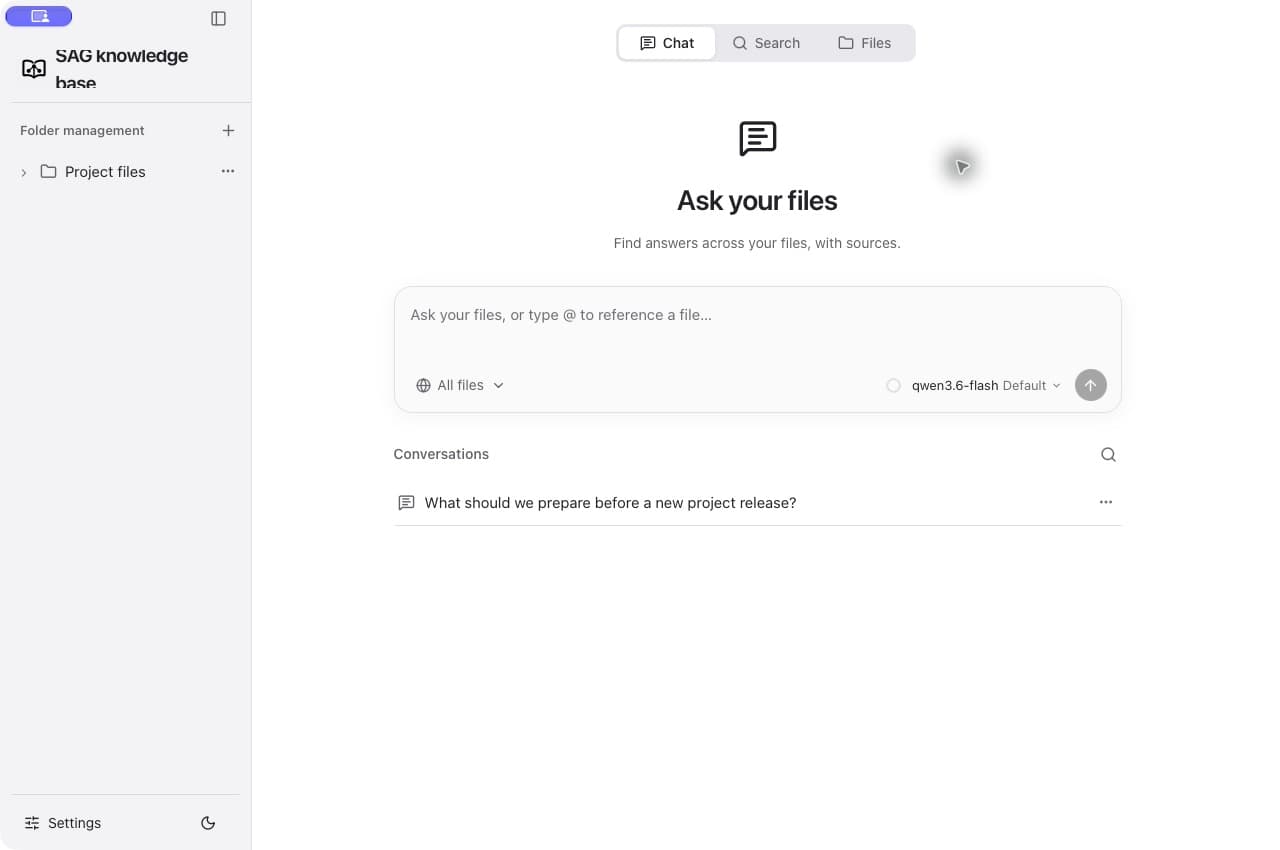
Answer with multiple documents and use @ to select files. Open citations to see the supporting passages.
Watch local files and update the index incrementally. Files stay in place, even when a folder is removed from the library.
Edit Markdown and preview HTML in the app, moving from search to reading and editing.
Find documents with similar content and inspect their shared evidence. Relationship calculations run locally.
Use a standalone CLI and Skill. The desktop and CLI share settings and the library; the CLI also works on its own.
02 / EVERYDAY WORKFLOW
Select a step to inspect the actual interface. Follow the links between files, search results and answer citations.
03 / POWERED BY SAG2
Build a keyword index directly from the source, without LLMs or embeddings. Jev judges useful evidence at query time, and terms from that evidence drive further searches.
86.62%
97.43%
99.00%
Recall@10 measures evidence found in the first ten results. SAG2 uses 1,000 questions per benchmark; MuSiQue was used for method development. These are method results; validate performance on your own files.
Source: SAG2 paper, Table 104 / FOR YOUR AGENT
Send the setup instruction to your agent to configure the Skill, index the current project and retrieve relevant passages. The CLI works independently and shares settings and the library with the desktop app.
Install https://github.com/Zleap-AI/SAG-Wiki/blob/main/cli/skills/sag/SKILL.md and follow its setup flow for my current project.
The agent follows the setup instructions to configure the CLI and index your project.Requires Node.js 18+. Configure your Jev API key before the first semantic search.
npm install -g @zleap-ai/sag
sag add
sag check
sag "Where is permission checked?" . -m 505 / LOCAL FILES, YOUR SERVICES
Original files and indexes remain local. Semantic retrieval and Q&A send the required question, passages or context to your configured services. Provider charges depend on the services you choose.
Read the setup guide06 / GET STARTED
SAG Wiki is free to use and open source under MIT.
The current macOS build is not Apple-notarized and may show a security prompt on first launch. Installers exclude optional conversion components.