
The Evolution of Agent Tool Use: From MCP to CLI to Workspace
How MCP, CLI and Workspace organize agent tools, permissions and context, and why Zleap-Agent uses persistent workspaces.
Related project: https://github.com/Zleap-AI/Zleap-Agent
An open-source agent harness built around workspaces.
1. MCP: Connect the Tools First
MCP originally addressed a real problem: tool integration was fragmented.
Every agent, application and toolset needed its own connections. File systems, databases, search and enterprise software each required a different integration. Engineering complexity was discouraging people before agent tool use had even started working.
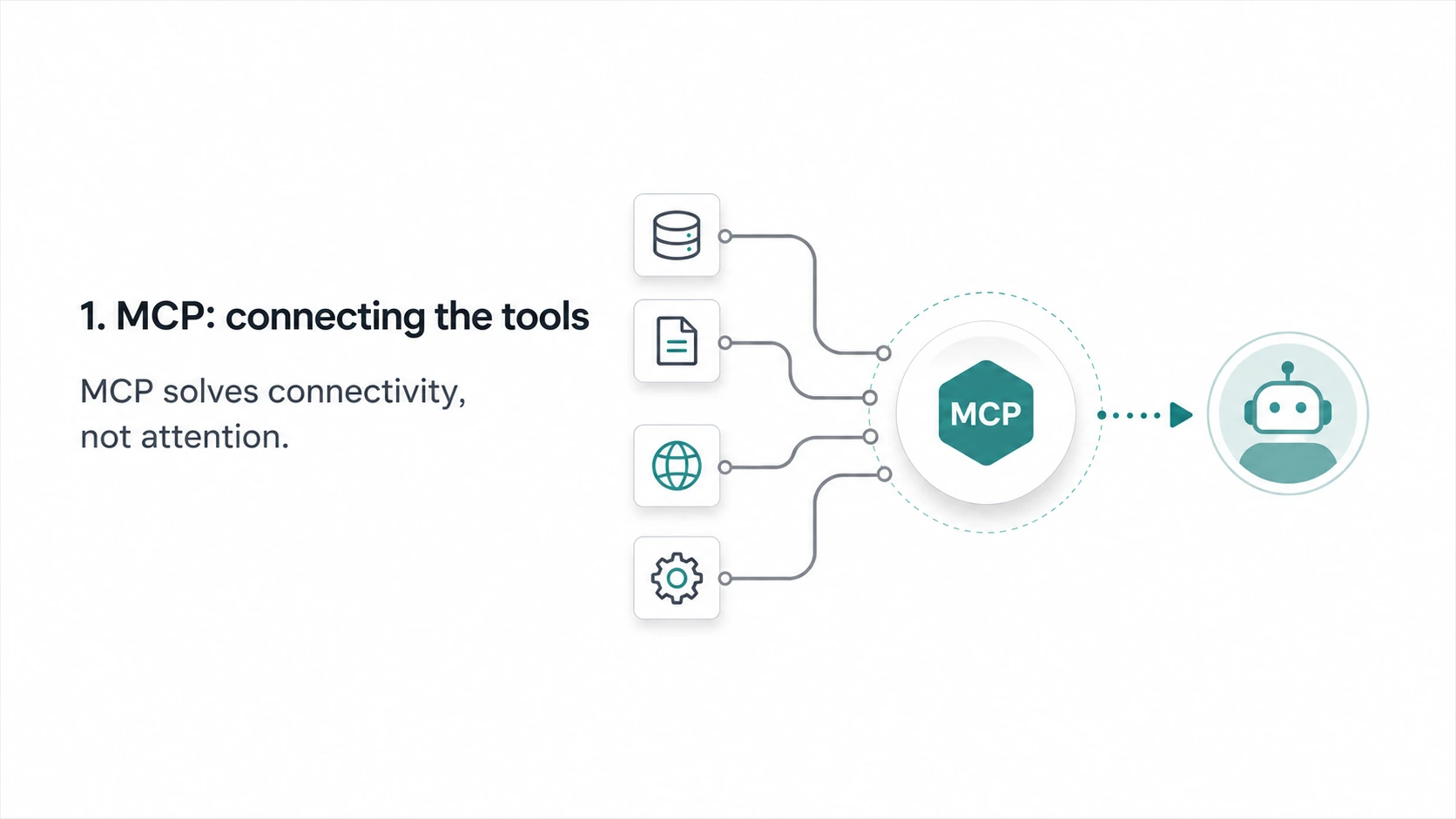
MCP's contribution was to standardize those connections. It provided a common interface for AI applications, allowing external data, tools and services to connect through one protocol.
That was an important step. An ecosystem struggles to grow without a shared protocol.
But another problem soon emerged.
Tools became easier to connect, without necessarily becoming easier for agents to use.
When an agent has dozens or hundreds of MCP tools attached, the question shifts from how to connect them to how the agent should choose a tool, fill in its arguments and decide when to call it. Integration became standardized, but successful invocation became the new bottleneck.
This is understandable. MCP solves tool connectivity, not agent attention. Connecting every tool does not mean an agent can use all of them reliably.
2. CLI: The Other Extreme
Claude Code later took an approach that was, in some respects, the reverse.
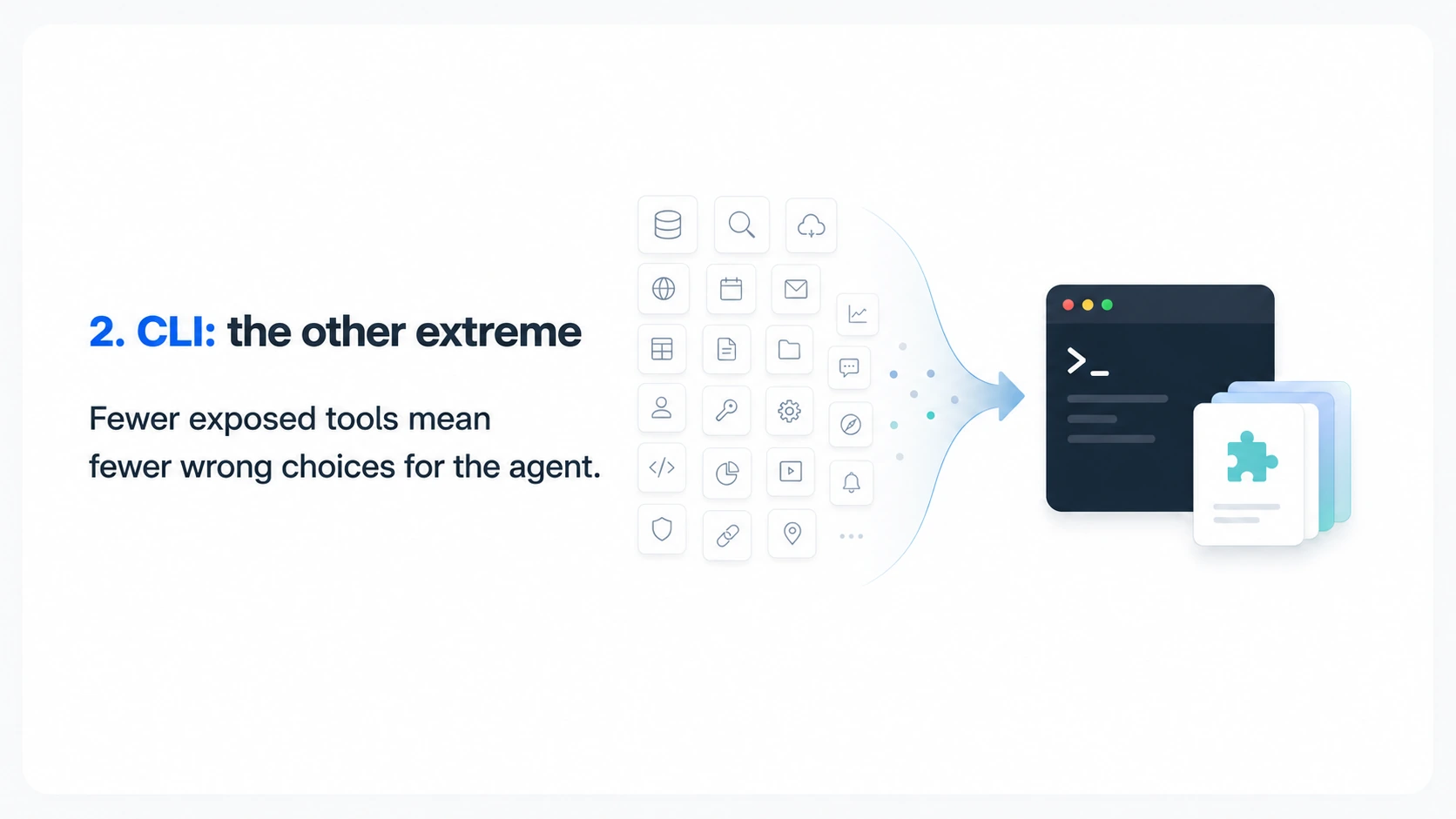
Instead of exposing every capability as a complex tool, it reduced the core toolset to a minimum: reading files, writing files, searching, editing and Bash.
More complex capabilities were organized into additional layers through skills and command-line tools, rather than presenting the agent with a large collection of tool schemas.
The approach looks simple, but its effect is clear.
The agent does not need to choose among dozens of similarly named tools or understand a mass of complex arguments. It learns a few basic actions: read a file, modify a file, run a command and read skill instructions. Complex capabilities sit behind skills.
Claude Code's success therefore is not simply about having Bash. More importantly, it reduced the exposed tool surface and moved complexity into subsequent layers.
Fewer tools mean fewer opportunities to choose incorrectly. Fewer arguments mean fewer omissions. A workflow wrapped in a skill does not have to be reinvented for every task.
This is already a form of layering.
3. The Risk of CLI: A Terminal Is Not Everything
Claude Code got only half of this right: it layered tools, but also pushed too much into the CLI.
A CLI is natural for a coding agent. Coding already revolves around files, commands, scripts, tests and builds.
But agents will not remain confined to coding.
Future agents will move from working inside the machine to acting outside it.
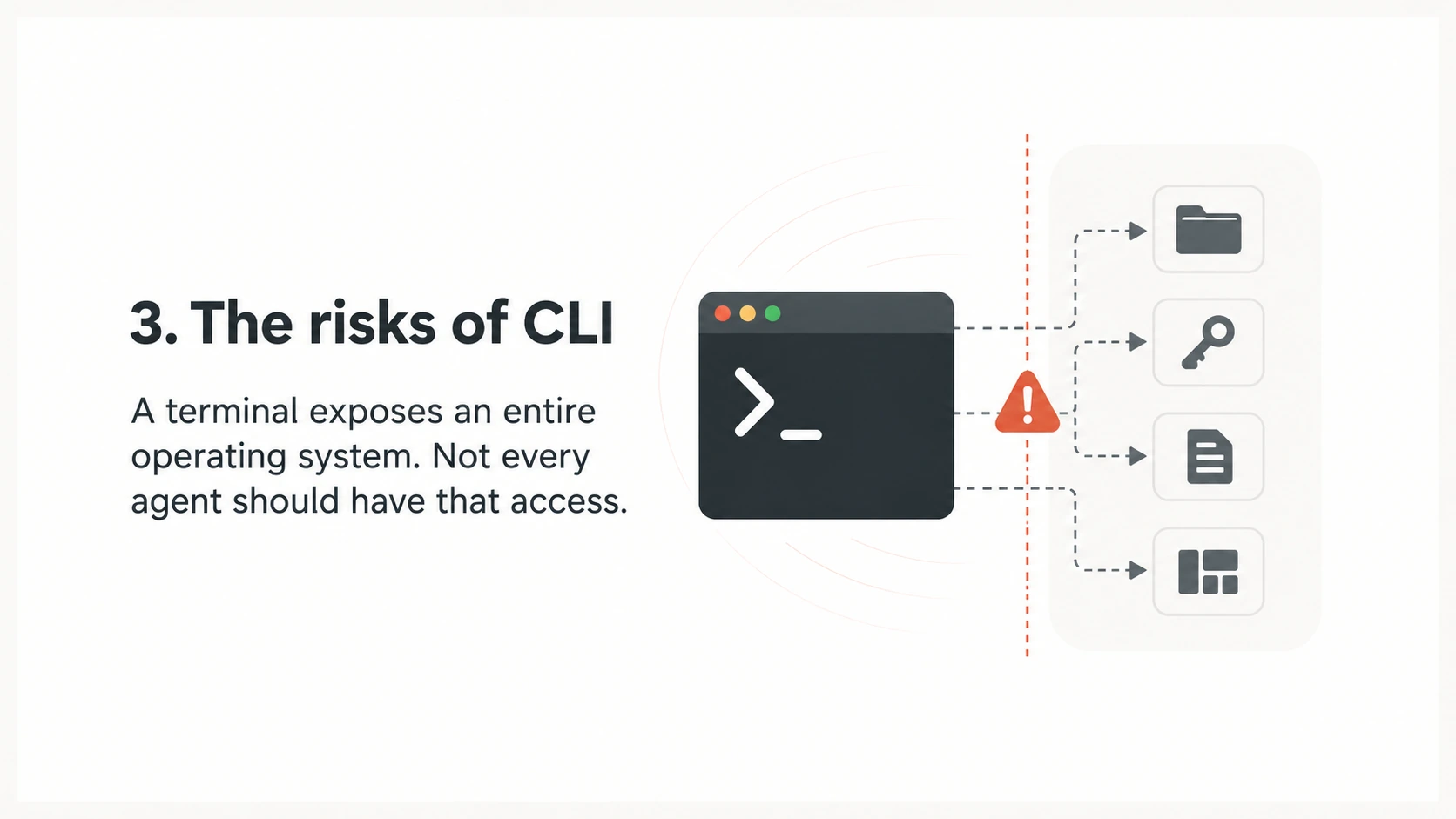
A terminal exposes an entire operating system. That is powerful, but it is also a substantial dependency. Many agents only need to call a service; they do not need a complete shell first.
Permissions are an even bigger issue.
Once a CLI tool is installed on a computer, it effectively has local execution permissions. It can read files, scan directories, inspect environment variables, access SSH keys and even upload data.
With a closed-source CLI, it is difficult to know exactly what it does.
For an agent, the risk is amplified: a person is not manually typing each command. The agent repeatedly invokes Bash as it works.
CLI-Anything may look simple, but it implies a very broad trust model: installation effectively grants access to the whole machine.
Remote MCP can, in many cases, be safer.
It is closer to an HTTP request. It processes the data you send it. By default, it cannot access your local file system or your SSH keys.
Remote services have privacy and compliance concerns too, but their permission boundaries are clearer. They do not operate inside your computer.
4. What Is a Workspace?
That is why we propose Workspace.
The initial inspiration came from operating systems.
An operating system does not put every capability into a single application. Documents have document editors, browsing has browsers, files have file managers, and coding has editors and terminals.
Agents should work similarly.
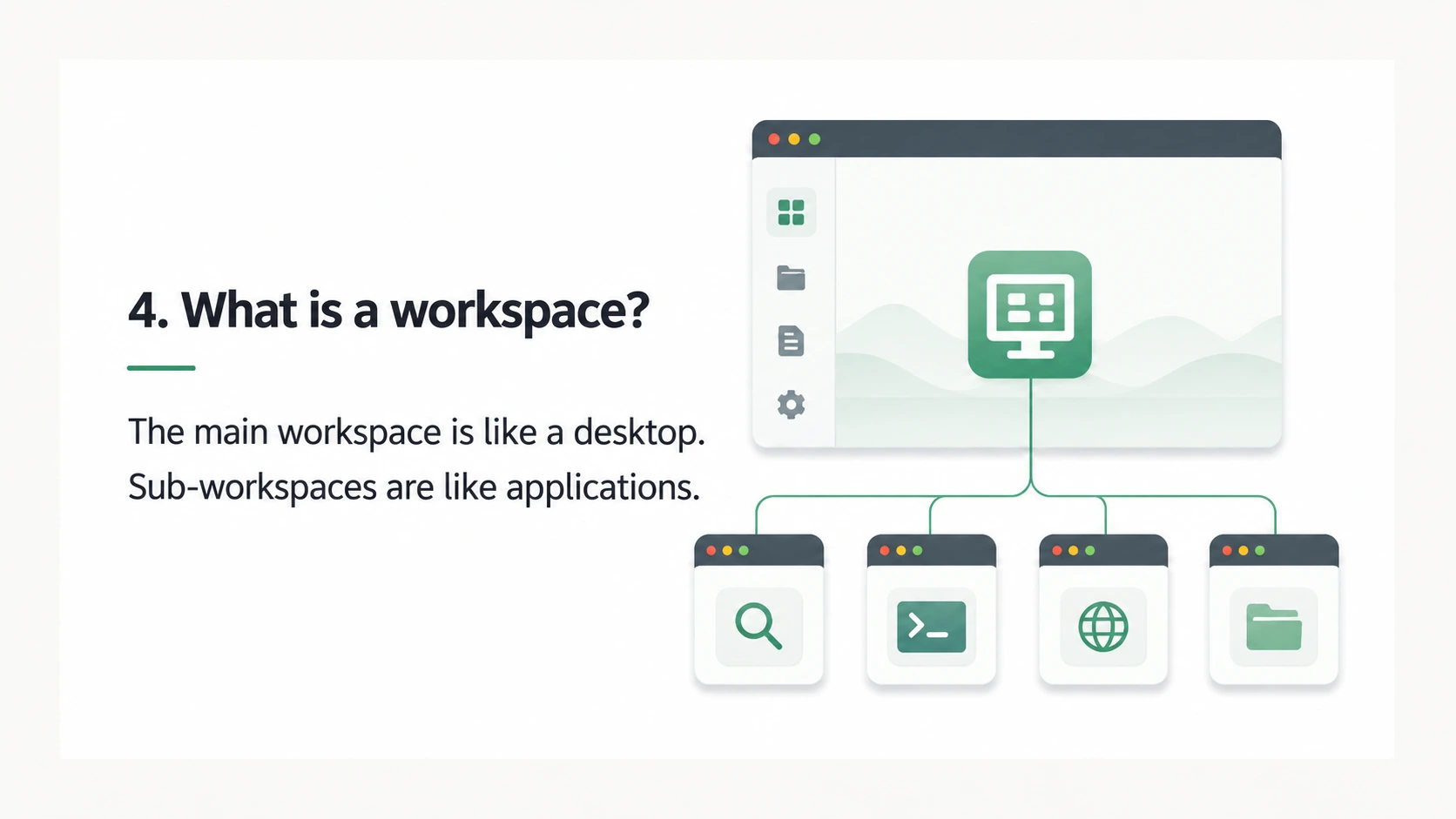
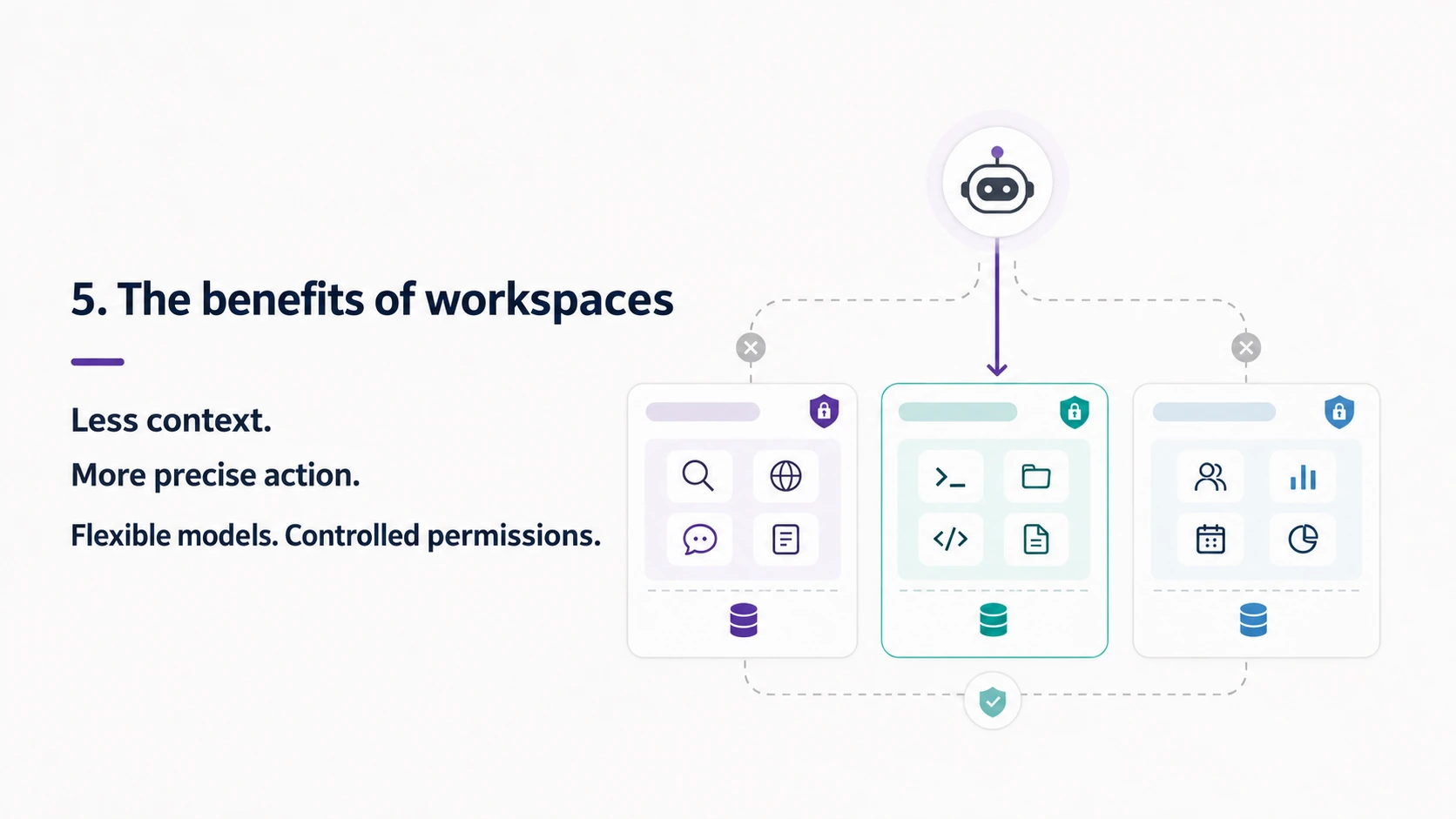
We divide tools into sub-workspaces by category, much like different applications in an operating system.
Each sub-workspace holds one class of tools and only the context needed for that class of tasks.
A conversation starts in the main workspace. Like a desktop, it determines which sub-workspace should handle the task.
Tools are invoked only after entering the corresponding sub-workspace.
A workspace is not a sub-agent. Their fundamental difference is lifecycle.
A sub-agent is a temporary executor: give it a goal, let it finish and return, and its work is essentially over.
A workspace is persistent, like an application, and has durable memory. A search workspace keeps search-related context and memory. A CLI workspace keeps files, commands, scripts and artifacts. A browser workspace keeps page state and interaction history.
The purpose is not to run another agent. It is to let the same agent see different tools, context, history, memory and permissions in different workspaces.
5. Workspace Advantages: Isolated Context Without Depending on CLI
First, context isolation improves success rates.
The agent does not see every tool, every past interaction and every skill at once. The main workspace routes the task, and a specific sub-workspace handles it.
In a search workspace, the agent sees search-related material. In a CLI workspace, it sees files and commands.
Smaller context means fewer choices and fewer incorrectly filled arguments.
This matters especially for small models. A small task is not the problem; too much information and interference are.
A focused environment can substantially improve their success rate.
Second, workspaces avoid a hard dependency on CLI, making the system lighter and safer.
In other words, Workspace is like a safer, lighter combination of CLI and skills.
CLI is appropriate for coding, running scripts and executing commands. But not every capability should be forced into a command-line interface.
If a capability can use an MCP service, there is no reason to force it into Bash. CLI permissions naturally extend closer to the entire machine and introduce greater risk.
Workspaces can isolate skills as well as tools.
People are adding more and more skills to agents, which often struggle to choose the right one.
Workspace organizes tools and skills together by scenario, exposing only the small set the agent currently needs.
Less to inspect, more precise execution, fewer rigid dependencies and no indiscriminate expansion of permissions.
6. Conclusion
The progression is clear.
MCP addresses connection: how tools connect.
CLI addresses success rates: reduce the toolset to make coding agents more reliable.
Workspace addresses boundaries: in which context the agent should use a connected tool.
MCP is the entry point, CLI is a transition, and Workspace is the organizational model.
Laying every tool out in front of an agent leaves too much unmanaged.
Forcing every scenario into a CLI is a shortcut.
A good agent harness should not aim to expose more tools.
It should let the agent see only the tools it needs, in the right workspace, at the right moment.
Keep reading

Media coverage
A New RAG State of the Art, with Second-Scale Retrieval Across 500 Million Records
Synced examines SAG’s event-and-entity structure, SQL and semantic retrieval, benchmark results, and production deployments for agent knowledge retrieval.

Technology
SAG: A New RAG State of the Art and a Data Foundation for Agents
Why complex agents need a structured data foundation, and how SAG supports incremental ingestion, multi-hop retrieval and traceable evidence.

Technology
Zleap-Agent: An Agent Harness with Sparse Attention
How Zleap-Agent isolates context, tools and memory by workspace, using prefetching, on-demand access and database-backed memory to reduce the information each step must process.